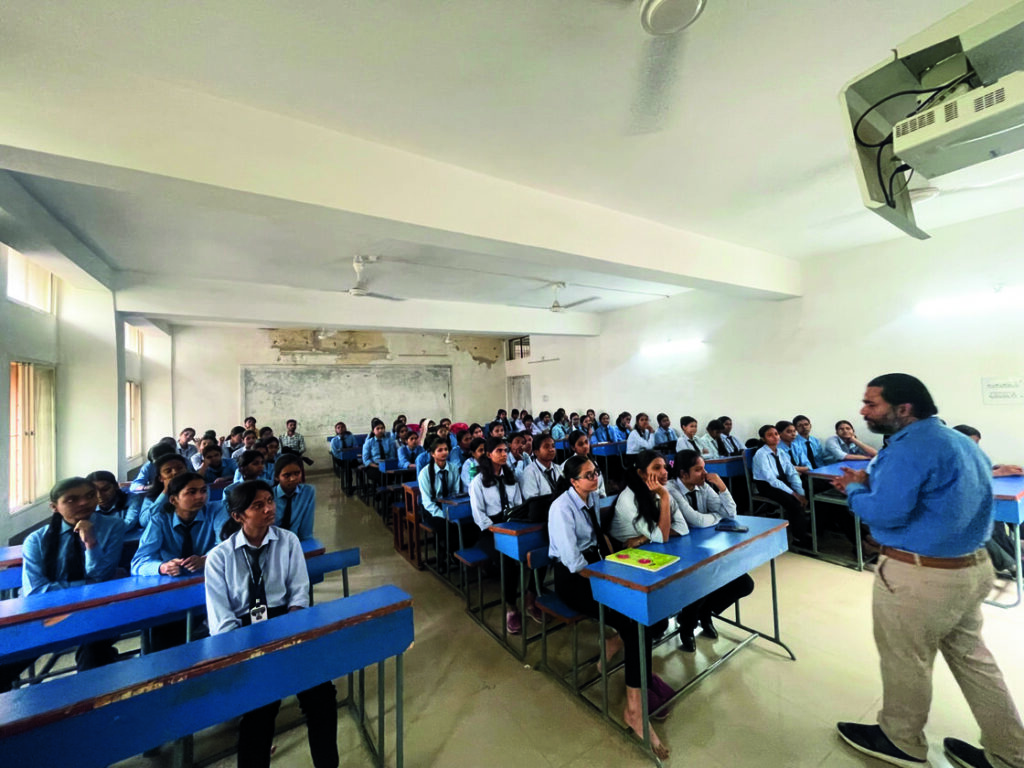
Artificial Intelligence is one of the fastest-growing technologies in the world today. From smart mobile applications and AI chatbots to automation systems and self-driving technology, AI is transforming every industry rapidly. Because of this technological revolution, students and professionals are now actively searching for practical AI training programs that can help them build future-ready careers.

If you are looking for the best AI Summer Training in Ranchi, then Emancipation Edutech Pvt Ltd is becoming one of the top choices for students who want industry-oriented learning, live projects, and practical exposure in Artificial Intelligence and Machine Learning. The institute focuses on career-oriented technical education designed to bridge the gap between academic learning and industry requirements.
What Is AI Summer Training?
AI Summer Training is a short-term practical training program designed for students who want to learn Artificial Intelligence, Machine Learning, Python Programming, and Data Analytics during their summer vacation. These training programs help students improve their technical skills and gain real-world industry exposure.
Summer training programs are highly useful for:
- B.Tech Students
- BCA Students
- MCA Students
- Polytechnic Students
- Diploma Students
- Beginners interested in AI
The main objective of AI Summer Training is to help students learn modern technologies practically instead of focusing only on theory.
Why Artificial Intelligence Is Important
Artificial Intelligence is being used in almost every industry today. Companies are using AI systems to automate tasks, analyze data, improve customer experience, and increase business efficiency.
AI is used in:
- Chatbots
- Face Recognition
- Smart Assistants
- Recommendation Systems
- Medical Diagnosis
- Automation
- Data Analytics
- Cyber Security
Because of the growing demand for AI solutions, companies are actively hiring skilled AI professionals across the world.
Why Choose Emancipation Edutech Pvt Ltd for AI Summer Training?
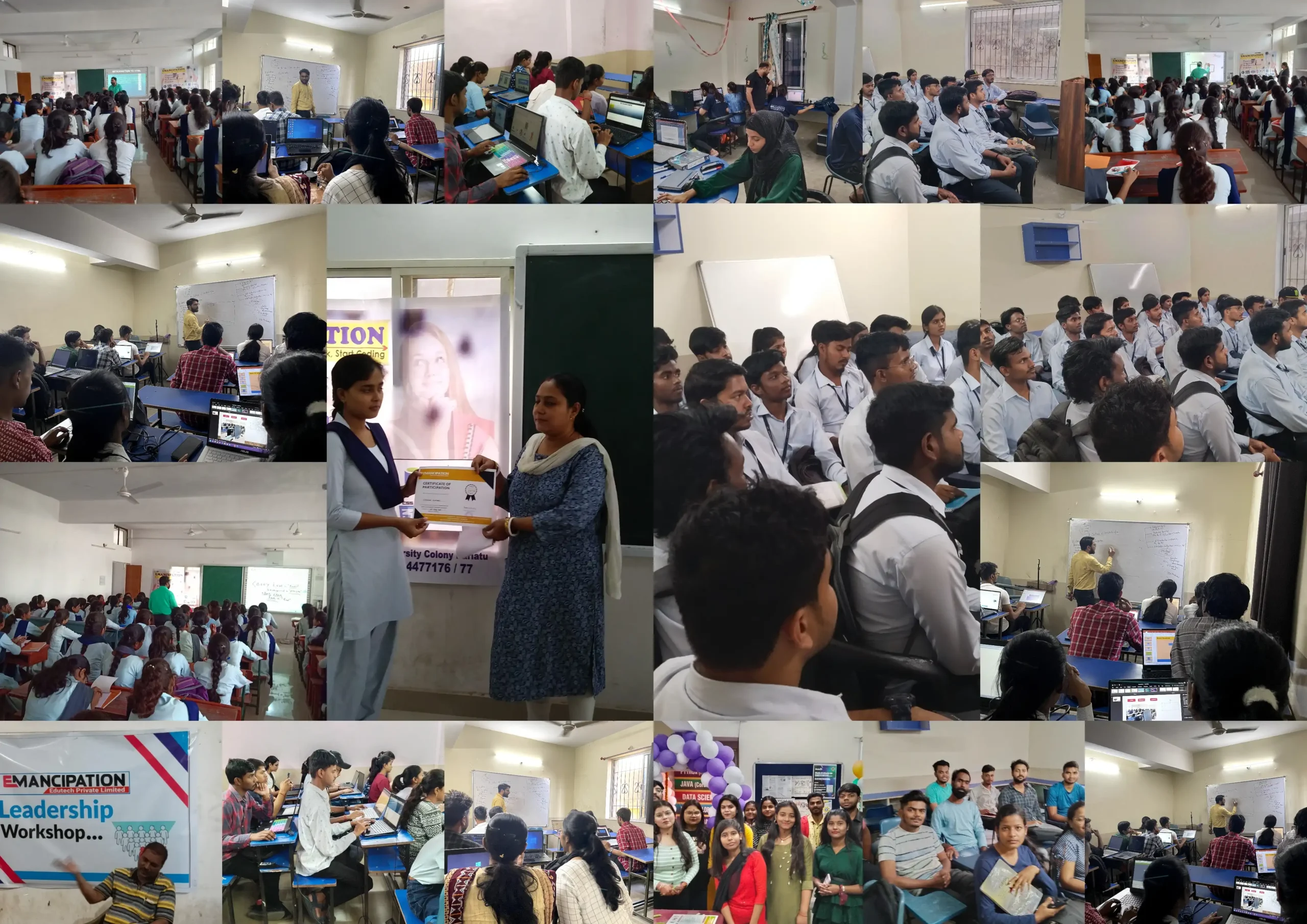
Emancipation Edutech Pvt Ltd is known for providing practical-based IT and AI training programs in Ranchi. The institute focuses on industry-oriented learning, live projects, and placement-focused training that helps students become job-ready professionals.
The institute offers:
- Practical AI training
- Industry-level projects
- Internship opportunities
- Career guidance
- Placement support
- Expert mentorship
- Flexible learning environment
Students receive both theoretical understanding and practical implementation experience through assignments and live project development.
Features of AI Summer Training
1. Practical-Based Learning
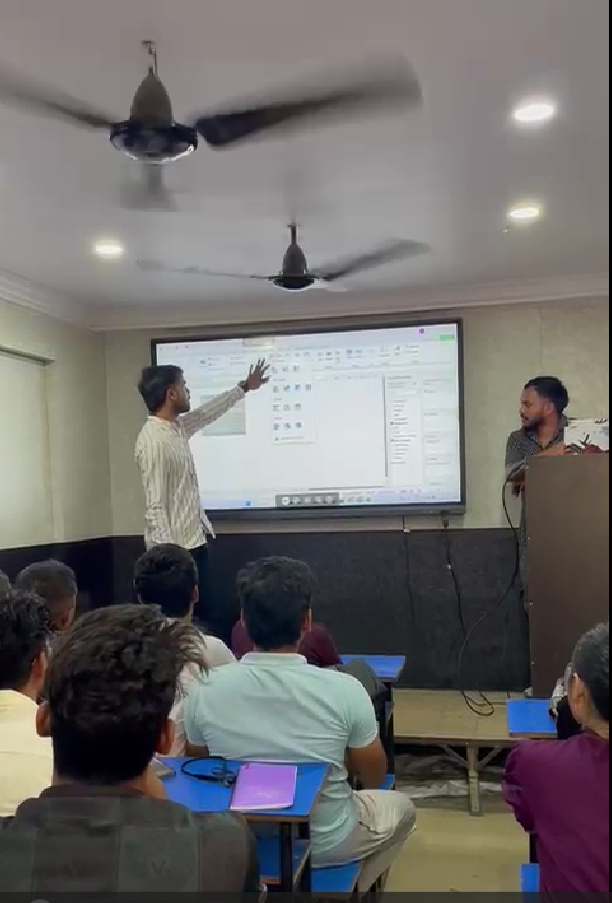
The AI Summer Training program focuses heavily on practical learning. Students work on coding exercises, projects, datasets, and AI models instead of only studying theoretical concepts.
2. Live Project Experience
Students get opportunities to work on real-time AI and Machine Learning projects. This helps them understand industry workflows and improve technical confidence.
3. Python Programming Training
Python is one of the most important programming languages for Artificial Intelligence and Machine Learning. Students learn Python from basics to advanced concepts.
4. Machine Learning Concepts
Students are introduced to:
- Machine Learning Algorithms
- Data Processing
- Predictive Analytics
- AI Model Training
- Data Visualization
5. Industry-Oriented Curriculum
The syllabus is designed according to current industry requirements so that students learn technologies that are highly demanded in the job market.
6. Internship and Certification
Students receive internship opportunities and certifications after successful completion of the training program, which helps improve resumes and placement opportunities.
7. Placement Assistance
The institute also provides placement-focused support including:
- Resume preparation
- Mock interviews
- Technical guidance
- Career counselling
Benefits of AI Summer Training
Improve Technical Skills
Students gain practical coding and AI development experience that improves their programming abilities and technical confidence.
Better Career Opportunities
AI and Machine Learning professionals are highly demanded in modern industries. Learning AI helps students prepare for future job opportunities.
Real Industry Exposure
Working on projects and real datasets helps students understand how industries use AI technologies in real-world scenarios.
Strong Resume Building
Summer training certifications and live projects help students build stronger resumes for internships and placements.
Future-Oriented Learning
Artificial Intelligence is considered one of the most important future technologies. Students who learn AI today will have better career opportunities tomorrow.
Build Problem-Solving Skills
AI training helps students improve analytical thinking and problem-solving capabilities through practical implementation.
Technologies Covered in AI Summer Training
The program generally includes:
- Artificial Intelligence Basics
- Machine Learning
- Python Programming
- Data Analytics
- Data Visualization
- AI Projects
- Automation
- Predictive Models
These technologies help students develop a strong foundation for future specialization in AI and Data Science.
Who Can Join This Training?
The AI Summer Training program is suitable for:
- Engineering students
- Computer science students
- Beginners interested in AI
- Students preparing for internships
- Professionals interested in upgrading skills
Even beginners with basic computer knowledge can start learning AI with proper guidance and training.
Career Opportunities After AI Training
After completing AI Summer Training, students can explore career opportunities such as:
- AI Engineer
- Machine Learning Developer
- Data Analyst
- Python Developer
- Automation Engineer
- Data Scientist
The demand for AI professionals is increasing rapidly in startups, software companies, healthcare industries, and multinational organizations.
Conclusion
Artificial Intelligence is shaping the future of technology, and students who learn AI today can build successful careers tomorrow. AI Summer Training programs provide practical exposure, technical skills, and industry-level knowledge that help students become future-ready professionals.
For students in Ranchi, Emancipation Edutech Pvt Ltd offers practical-based AI Summer Training with live projects, expert mentorship, internship support, and career-oriented learning. With proper training, continuous practice, and real-world exposure, students can confidently enter the rapidly growing world of Artificial Intelligence and Machine Learning.
For More Information and Updates, Connect With Us
- Name Sumit singh
- Phone Number: +91-9264477176
- Email ID: emancipationedutech@gmail.com
- Our Platforms:
- Digilearn Cloud
- Live Emancipation
- Follow Us on Social Media:
- Instagram – Emancipation
- Facebook – Emancipation
Stay connected and keep learning with Emancipation!